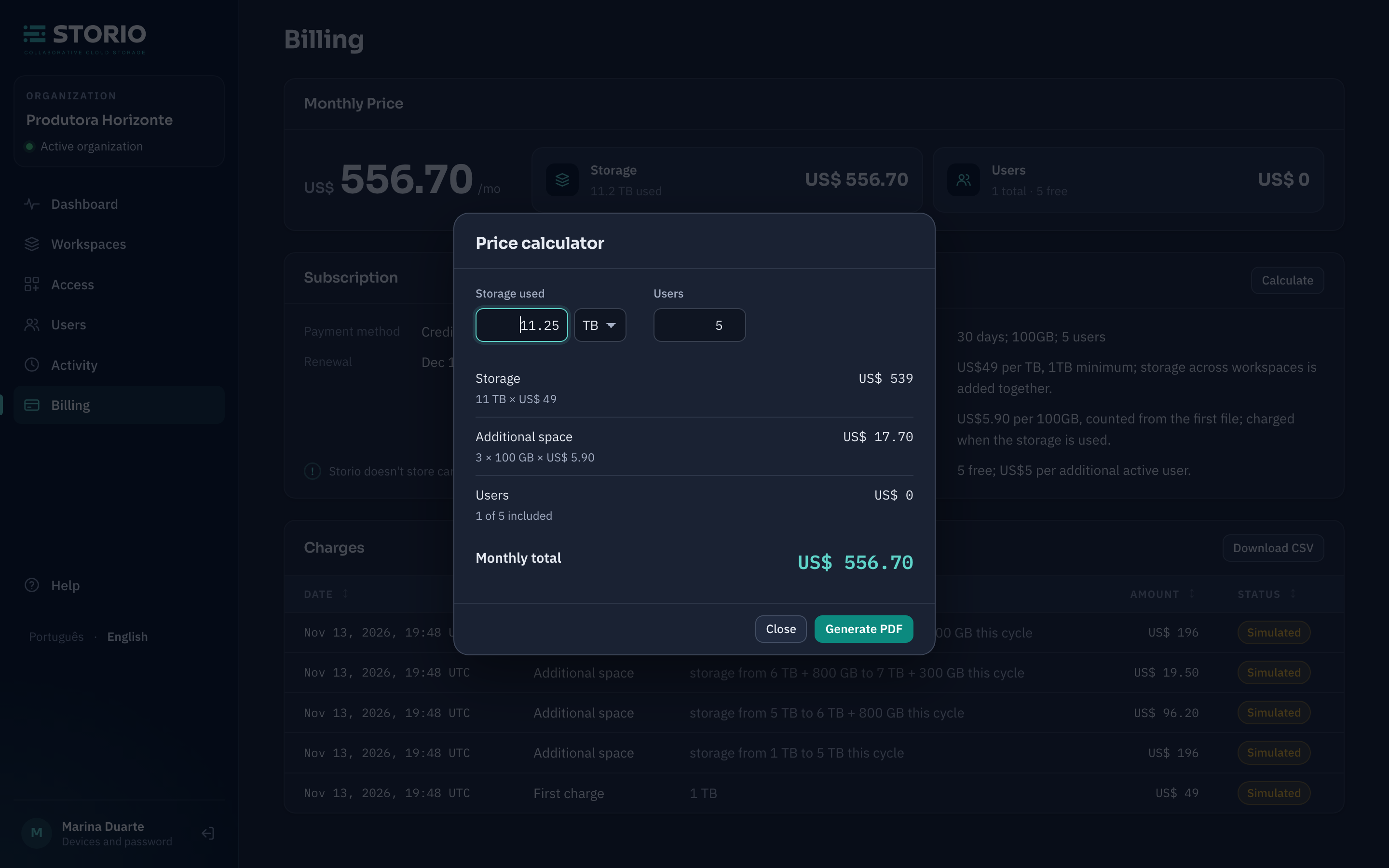
- Monthly price: what the organization pays per month for the space used (Production Storage and Cold Storage) and the current users.
- Subscription: the payment method (credit card) and the renewal date. Only the owner adds the card and subscribes.
- Pricing policy: the prices in effect, in US dollars. The Calculate button opens the calculator.
- Charges: each charge with date, reason, amount and status (Paid, Declined, In progress, Not charged, Refunded). Download CSV gets the full list.
Subscribe
During the free trial, click Add card and subscribe. Payment is processed by Stripe; Storio doesn't store your card details. If usage grows during the month, the difference is charged right away; at each monthly renewal the subscription is recalculated from usage: see Pricing policy.
With an active subscription, Card, receipts and cancellation opens the Stripe page where you can change the card, download receipts and cancel the subscription.
If a payment is declined, you'll see Update card and pay. If the subscription has ended, Subscribe again.
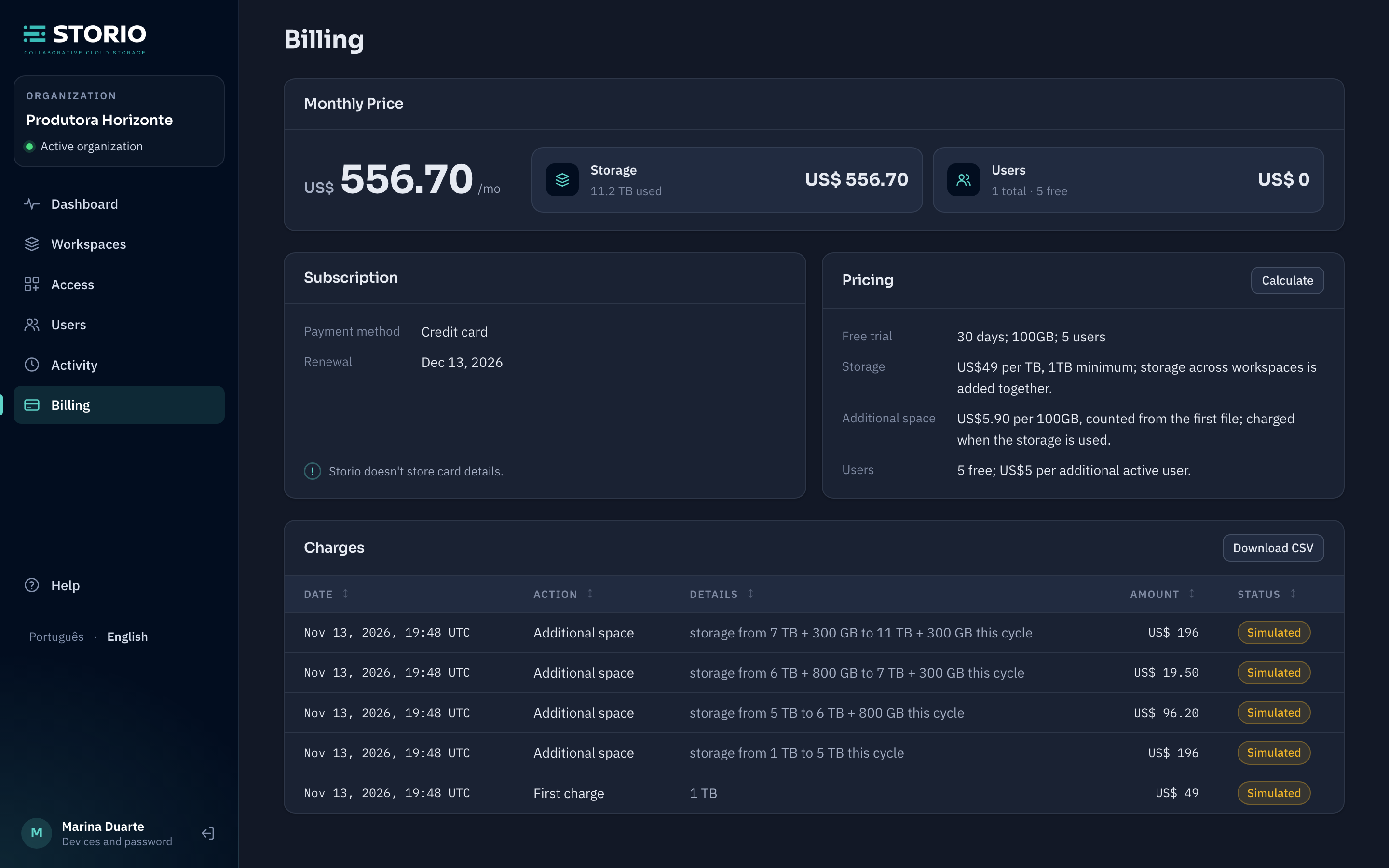
Calculator
Enter the Production Storage and the Cold Storage (in GB or TB) and the number of users to see the monthly amount, item by item, using the same rules as billing. Generate PDF downloads the calculation.