

The cache is the copy of the files kept on the Mac's disk. What's cached opens instantly and plays without depending on the internet. Storio caches what you open; you can also download ahead of time, from the Monitor or with Project Login.
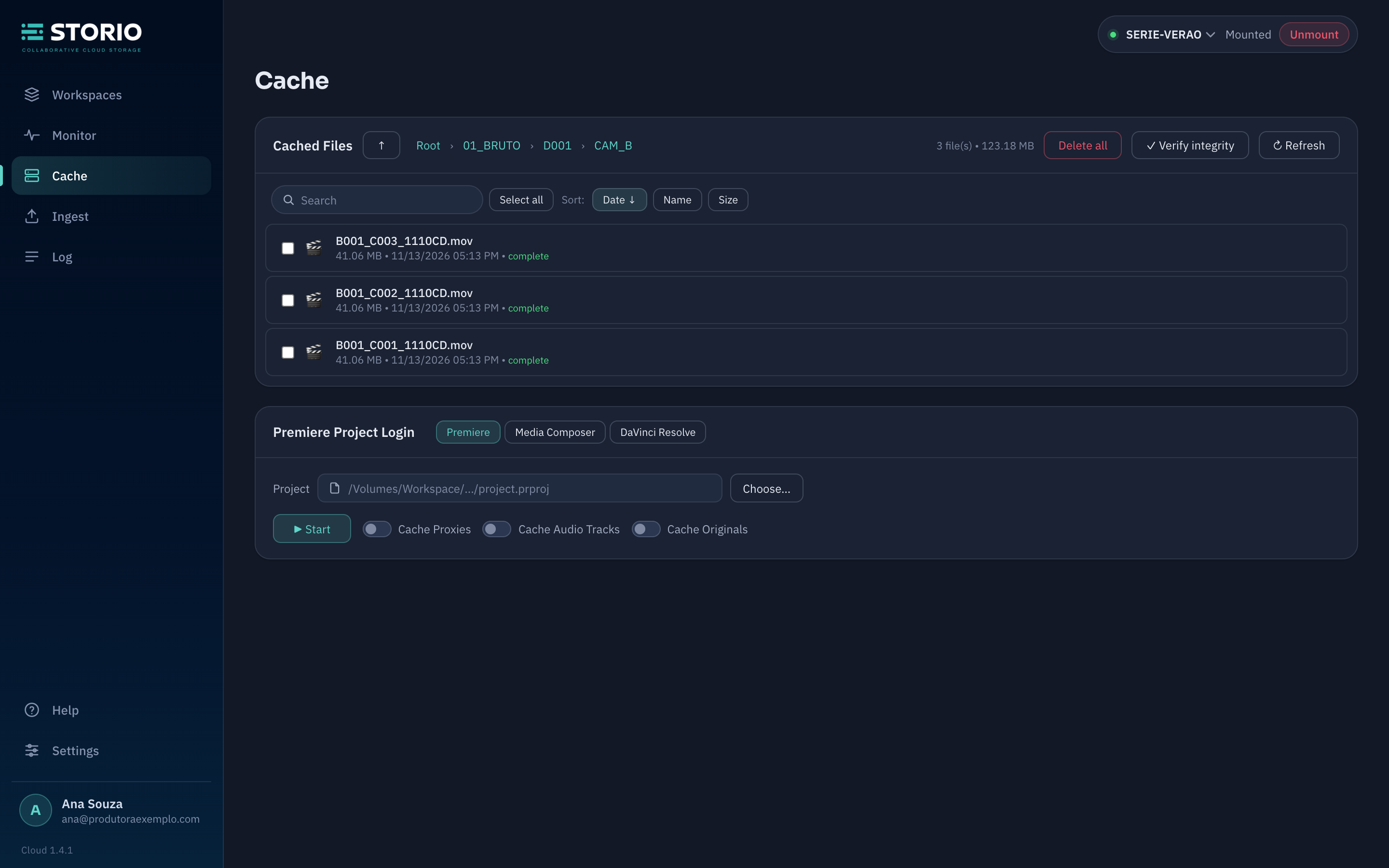
- Browse folders as in the Monitor. Each folder shows how many files and how much space; each file shows complete or the percentage downloaded.
- Remove (on a folder or a file) and Remove selected take items out of this Mac's cache.
- Delete all deletes this workspace's whole cache on the Mac (asks for confirmation).
- Search filters by name or path. Sort by Date, Name or Size.
- The list updates on its own every 30 seconds.
Removing from the cache never deletes the file from the server: it's simply downloaded again when someone opens it. Files in use or with changes not uploaded yet are skipped.
Verify integrity
✓ Verify integrity compares the cache with the server. With no differences, you'll see "cache intact". With differences, the list shows what's outdated on the server (someone changed the file) and what no longer exists on the server. It only points them out; to download again, remove those items from the cache.
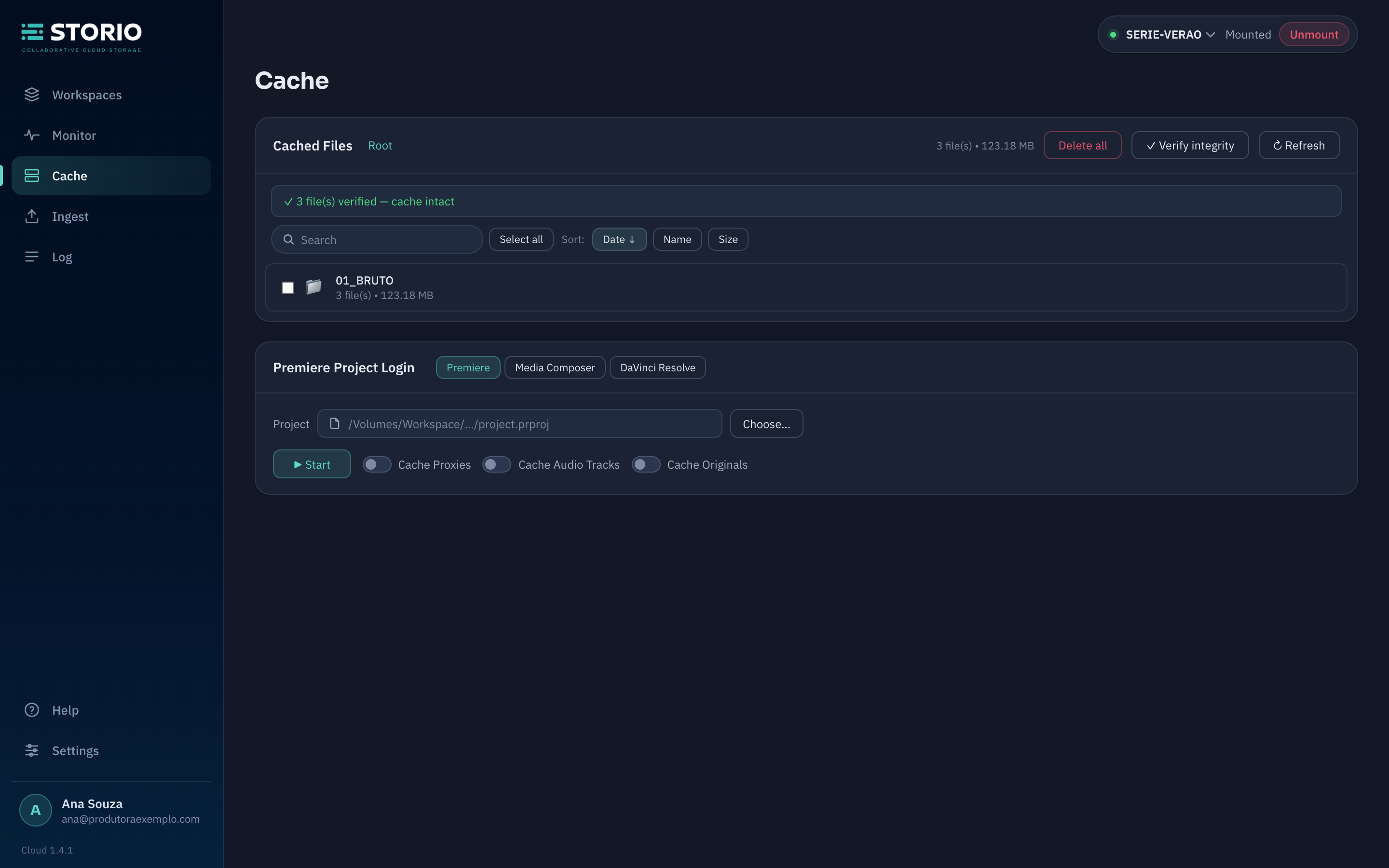
Where the cache lives and its maximum size are chosen in Settings. When the cache fills up, Storio removes what hasn't been used the longest first; files unused for 30 days leave on their own.